What does running AI privately mean?
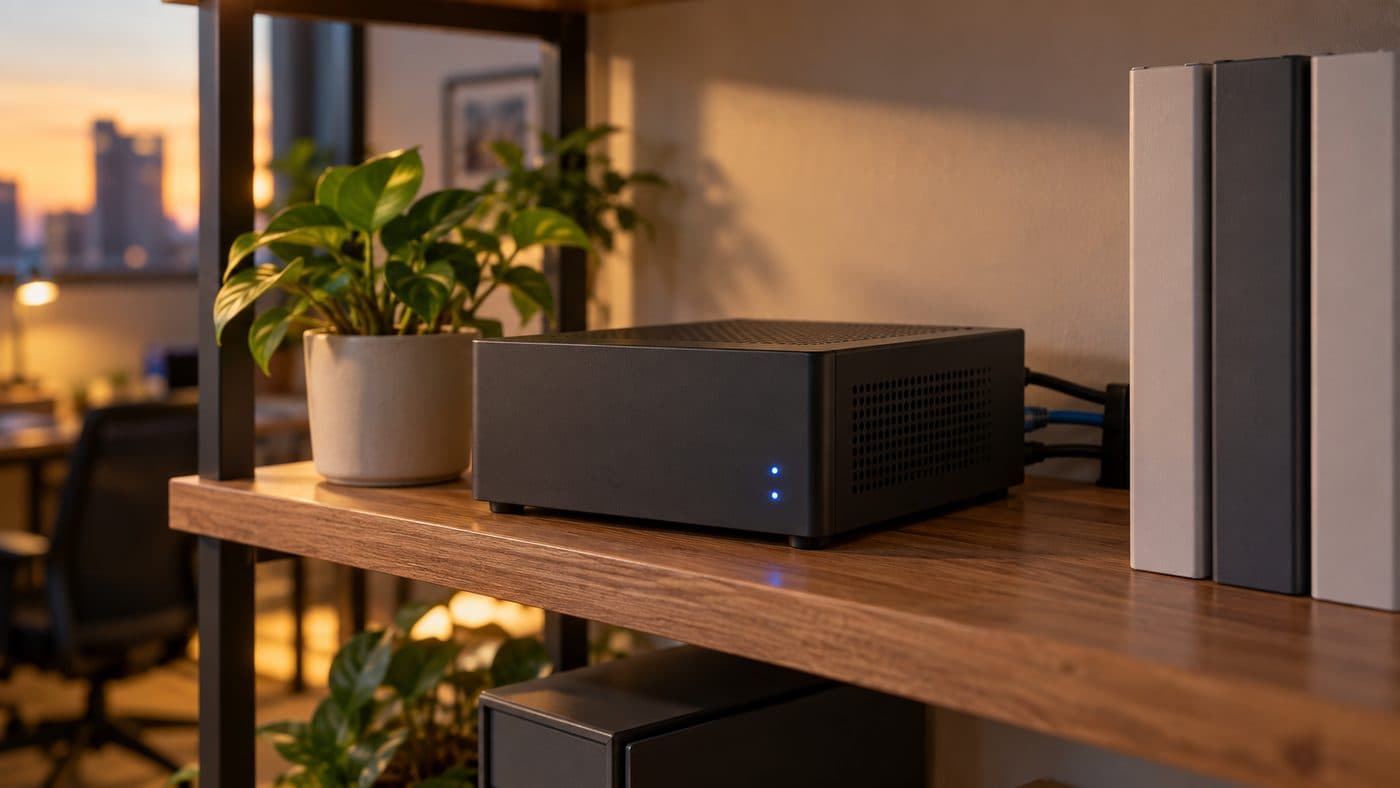
Usually, it means the AI model runs on a computer your office controls, instead of on a provider's servers. You load your own documents into it, and your questions and its answers are handled on that machine rather than sent to a cloud service. The main difference from cloud tools like ChatGPT or Claude is where your data is processed and stored.
This post explains what that difference means for a real estate office, the trade-offs, and the questions to ask before you choose anything.
Don't ChatGPT and Claude already keep business data private?
Their business plans don't train on your data by default. OpenAI says that by default it doesn't use data from ChatGPT Business, ChatGPT Enterprise or its API for training its models (OpenAI, Business data privacy, security and compliance, 2026). Anthropic says that by default it won't use inputs or outputs from its commercial products to train its models (Anthropic Privacy Center, August 2026).
For many agents and teams, that's a good choice. One thing to check: staff using personal accounts may have different settings from your business plan, so know which accounts your team actually uses for work.
Want to know what to do next with AI? Book your AI Review.
So what is the real difference?
Where the data sits and who is responsible for it. With a cloud tool, your documents and chats are stored with the provider under their terms. With a private setup, they sit on a machine your office controls, which also means your office takes on the job of looking after it.
A private setup can work without an internet connection. But be clear about the trade: the big cloud models are still stronger at some tasks, such as complex reasoning and anything that needs current information from the web.
What are the trade-offs?
Running AI privately is not simply the safer choice. It moves the work to you:
- Smaller models: the models that run on one office computer are usually less capable than the largest cloud models.
- Upkeep: someone has to install updates, watch for problems and keep backups.
- Security is your job: a computer in your office is only as safe as how it's set up, who can reach it and how it's looked after.
- Upfront cost: you buy and maintain the hardware, instead of paying a monthly fee.
- Fewer new features: cloud tools change often, while a private setup only changes when someone updates it.
What is a private AI good for in an office?
Work that depends on your own documents:
- Answering staff questions from your own policy manual, procedures and templates.
- Finding the right form, clause or past document quickly.
- A first summary of a long document, which a person then checks.
- Drafting routine emails and letters from your own templates.
- Helping new staff find how your office does things.
What is it not good for?
It isn't the best tool for current market news, web research, or the hardest reasoning tasks. It doesn't replace a person checking the output. And it isn't a compliance solution on its own: having data in your office can help you control it, but your obligations under privacy law and your regulator's rules stay the same. Ask your broker of record or privacy adviser what applies to you.
What should you ask any vendor?
Whether you're looking at a cloud tool or a private setup, ask these questions and get the answers in writing:
- Where exactly is our data stored and processed, and in which country?
- Is our data used to train any model, and can we turn that off?
- Who at your company, or anywhere else, can see our documents and chats?
- How long is our data kept, and how do we delete it?
- Who installs updates and keeps backups, and what happens if the computer fails?
- Can we take our documents and settings with us if we stop using it?
- What does it do poorly, and what should we keep on a cloud tool instead?
How do you decide which one fits your office?
Answer these questions with your team:
- Which documents would you want the AI to read, and how sensitive are they?
- What do your brokerage's or your own rules say about client information in outside tools?
- How much of the work needs current web information?
- How many people would use it, and for what?
- Who will look after it, and who will check what it produces?
Questions
Does a private AI make us compliant with privacy rules?
No tool does that by itself. Keeping data on your own machine can make your rules easier to follow, but you still need the right policies, consent and a person checking outputs. Ask your own adviser.
Can we use a private AI and a cloud tool together?
Yes, and many offices should. Use the private AI for work on your own sensitive documents, and a business plan of a cloud tool for tasks where it is stronger.
If you'd like to talk through whether running AI privately or a cloud tool fits your office, book an AI Review. Bring your AI questions along with one recent lead, and you choose the three jobs you'd most like off your plate. It's a short screen share, and you leave with a short written summary of your top three.
Sources
 Brendon Bellerose, founderToronto, Ontario